
Manage your account with ease
Track your balance, monitor your portfolio, and switch between real and demo accounts anytime.

AxiePro App
Manage your accounts, move your funds, and access global financial markets wherever you are, whenever you want.


Track your balance, monitor your portfolio, and switch between real and demo accounts anytime.
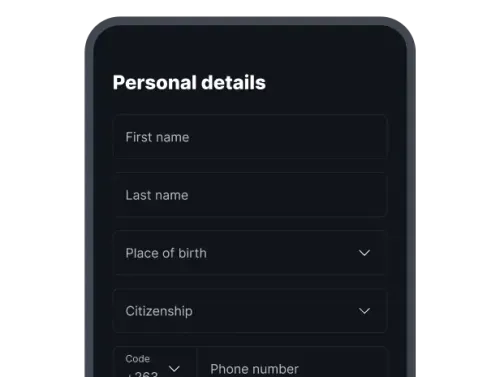
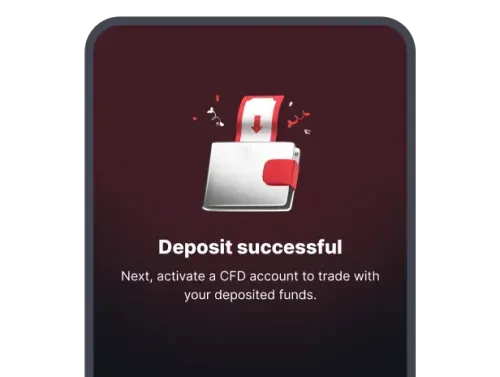
Deposit, withdraw, or transfer funds between your accounts without delay.
Open MT5, cTrader, or AxiePro Trader directly from the app.
Android and iOS
Manage your accounts, move funds, and trade CFDs and options on the go.


Choose AxiePro MT5 or AxiePro cTrader and continue in the browser or their dedicated apps.
Use AxiePro Trader inside the app for accumulators, multipliers, turbos, and vanillas.
Available on the App Store and Google Play.
Sign up for free and verify your identity.

Make a deposit and choose CFDs or options.
Yes. It is free on both iOS and Android, and creating a AxiePro account is free.
Trade CFDs through MT5 or cTrader and options directly through AxiePro Trader.
Yes. Switch between real and demo accounts from the app home screen.
Join 3M+ global traders